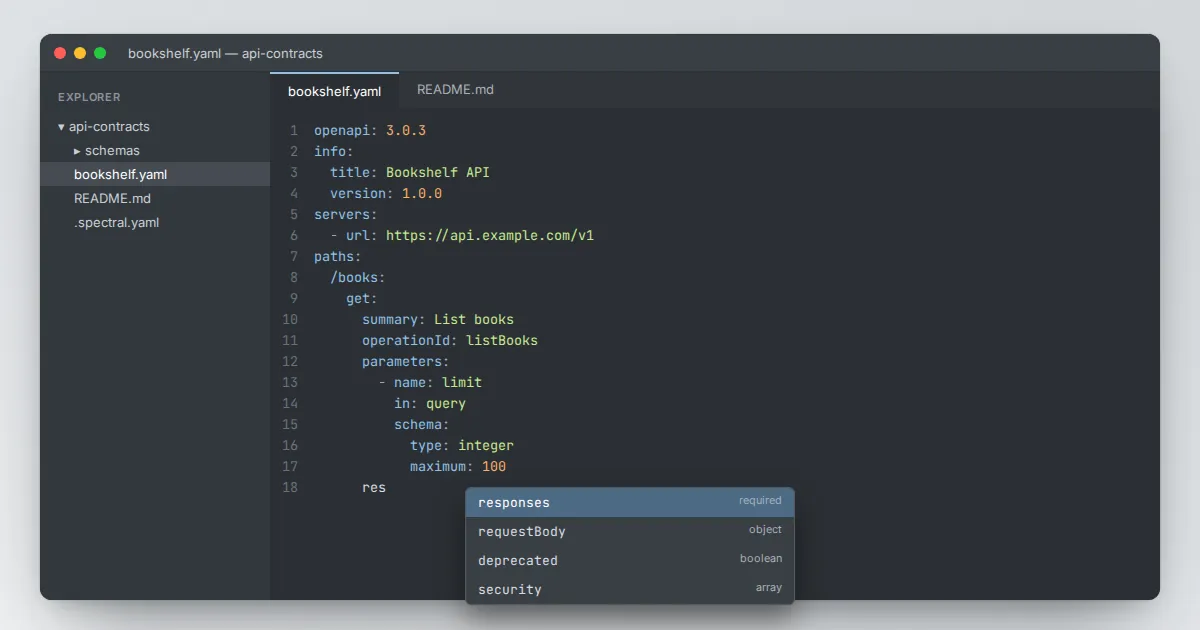
The fastest way to learn OpenAPI is to write a small description from scratch and watch Swagger Editor render it. In this walkthrough we describe a tiny bookshelf API with two operations: list books and fetch a single book.
Step 1: clear the sample
Open the editor, select everything in the left pane and delete it. The right pane will complain that the document is empty. That is fine; we are about to fix it.
Step 2: the required top level
openapi: 3.0.3
info:
  title: Bookshelf API
  version: 1.0.0
  description: A small API for listing books.
servers:
  - url: https://api.example.com/v1
paths: {}
Three fields are required at the top: openapi, which declares the specification version, info, which needs at least a title and a version, and paths. The servers list is optional but lets the preview build real request URLs.
Step 3: add a list operation
paths:
  /books:
    get:
      summary: List books
      operationId: listBooks
      parameters:
        - name: limit
          in: query
          schema:
            type: integer
            maximum: 100
      responses:
        '200':
          description: A list of books
Each path holds one or more HTTP methods. An operation needs at least one response, and every response needs a description.
Note that the status code is quoted; YAML would otherwise read it as a number, and the specification expects a string key.
Step 4: describe the response body
          content:
            application/json:
              schema:
                type: array
                items:
                  type: object
                  required: [id, title]
                  properties:
                    id: { type: string }
                    title: { type: string }
                    author: { type: string }
Indent this block under the '200' response. The preview now shows an example array built from the schema. Add an example value to any property to make the generated sample more realistic.
Step 5: a path parameter
  /books/{bookId}:
    get:
      summary: Get one book
      parameters:
        - name: bookId
          in: path
          required: true
          schema: { type: string }
      responses:
        '200': { description: The book }
        '404': { description: Book not found }
Path parameters must be marked required: true. Leave it out and the editor flags the error right away, which is a good demonstration of why live validation helps.
What to do next
You now have a valid description. Notice the book schema is written inline in one place; as the API grows you will want to move it into components and reference it. The guide on reusable components shows how.